
 Fast Delivery
 Made To Measure
 Customer
Support
Customer
Support
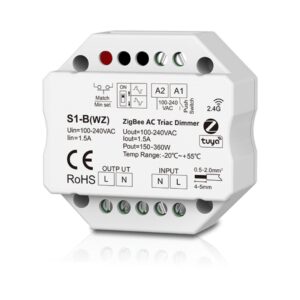
100-240VAC 1CH ZigBee & RF AC Triac Dimmer
3 in stockProduct Code: ARC-S1-B(WZ)- Input Voltage: 100-240V
- Output Power: 150-360W
- Output Current: Max 1.5A
- Dimensions: L60 x W60 x H40mm
- Dimming Range: 0 -100%
£38.40(Tax Excl £32.00)-
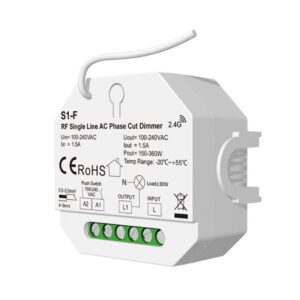
Arc LED 100-240VAC 1CH*1.5A Single Line AC Phase Cut RF Dimmer (White)
In StockProduct Code: ARC-S1-FInput Voltage: 100-240VACOuptut Power: 150-360WControl Distance: 30m (Barrier Free)Dimming Range: 0-100%Dimensions: 56x49.5mm£28.20(Tax Excl £23.50) -
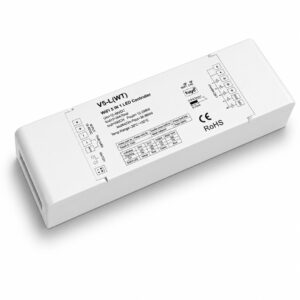
ARC LED 12-48V Wi-Fi & RF Receiver- Single, CCT, RGBW & RGB+CCT Compatible
In StockProduct Code: ARC-V5-L-WT- Colour: White
- Input Voltage: 12-24V
- Colour Temperature: Single Colour/CCT/RGB+W/RGB+CCT
- Control Type: Wi-Fi + RF
£52.20(Tax Excl £43.50) -
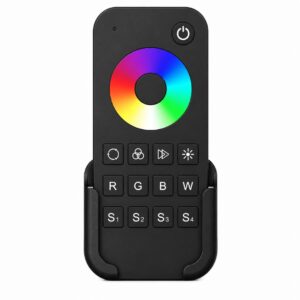
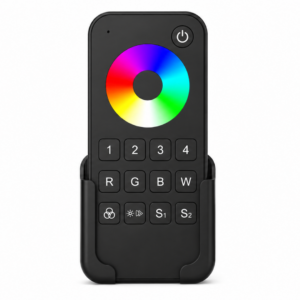
Arc LED RGBW Single Zone Remote Control (Black)
In StockProduct Code: ARC-RT4- Colour:Black
- Input Voltage: Battery Operated
- Colour Temperature: RGBW
- Control Type: RF Only
£23.10(Tax Excl £19.25) -
Arc LED 1 Zone RGBW Battery Operated Touch Wall Panel
In StockProduct Code: ARC-TW4- Colour Finish: Select Colour
- Input Voltage: Battery Operated
- Colour Temperature: RGBW
- Control Type: RF Only
£30.90(Tax Excl £25.75) 
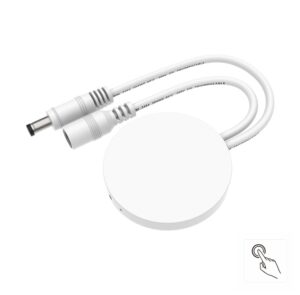
5-24VDC 3A Fit Anywhere Touch Sensor Switch (White)
7 in stockProduct Code: ARC-E1-T(D)- Input Voltage: 5-24VDC
- Output Current: 3A
- Output Power: 15-72W
- PWM Frequency: 500Hz
- Dimensions: 90x130mm
£20.70(Tax Excl £17.25)-
Multimode Gateway (Zigbee + Bluetooth) WG-Z (White)
7 in stockProduct Code: ARC-WG-Z- Input Voltage: USB-C DC 5V
- Wireless Technology: 802.11 b/g/n, Zigbee 802.15.4
- Frequency: 2.4-2.4835GHz
- Transmitting Power: 21dBm
- Signal Channels: CH1-CH4
£20.70(Tax Excl £17.25) -
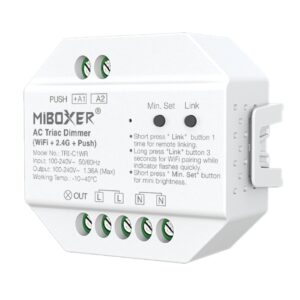
Colourflow AC Triac Dimmer (WiFi+2.4G+Push)
39 in stockProduct Code: ARC-TRI-C1WR- Adopt WIFI+2.4G wireless transmission technology, low power consumption, self-organizing network, anti-interference.
- Relay signal transmission, meet the lighting control needs of home and commercial space.
- Support 2.4G RF remote control.
- Widely used in home, hotel and commercial lighting.
£22.33(Tax Excl £18.61) -
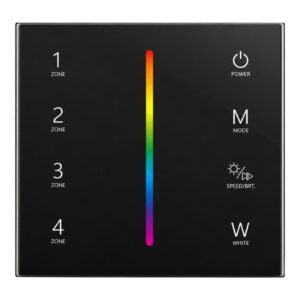
Arc LED 4 Zone RGBW Battery Powered Wall Panel
In StockProduct Code: ARC-T24- Colour Finish: Select Colour
- Input Voltage: Battery Operated
- Colour Temperature: RGBW
- Control Type: RF Only
£40.20(Tax Excl £33.50) -
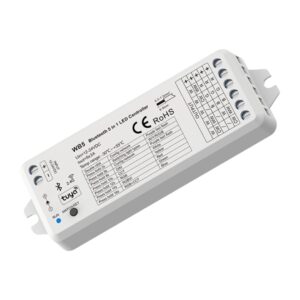
Arc LED Bluetooth & RF 5in1 LED Receiver (White)
Out of stockProduct Code: ARC-WB5- Colour: White
- Input Voltage: 12-24V
- Colour Temperature: Single Colour/CCT/RGB+W/RGB+CCT
- Control Type: Bluetooth & RF
£40.20(Tax Excl £33.50) -
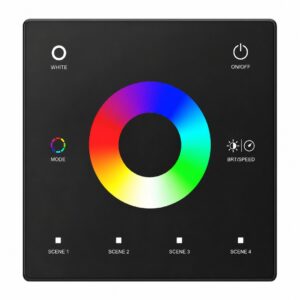
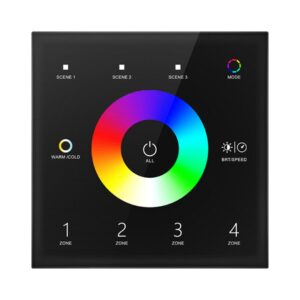
Arc LED 4 Zone RGB+CCT Touch Wall Panel
In StockProduct Code: ARC-T15- Colour Finish: Select Colour
- Input Voltage: 240V
- Colour Temperature: RGB+CCT/Universal
- Control Type: RF or DMX
£33.30(Tax Excl £27.75) -
Arc LED 4 Zones RGB+CCT Touch Panel DMX Master (100-240VAC Input)
In StockProduct Code: ARC-T15N- Colour Finish: Select Colour
- Input Voltage: 240V
- Colour Temperature: RGB+CCT/Universal
- Control Type: RF or DMX
£48.90(Tax Excl £40.75) -
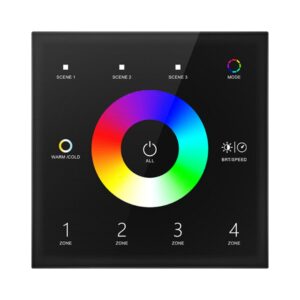
Arc LED 4 Zone RGB+CCT Touch Wall Panel
In StockProduct Code: ARC-T15-1- Colour Finish: Select Colour
- Input Voltage: 240V
- Colour Temperature: RGB+CCT/Universal
- Control Type: RF or DMX
£48.90(Tax Excl £40.75) -
Arc LED Single Zone RGB/RGBW 12-24V Wall Panel
In StockProduct Code: ARC-T4- Colour Finish: Select Colour
- Input Voltage: 12-24V
- Colour Temperature: RGBW
- Control Type: RF Only
£40.20(Tax Excl £33.50) -
Arc LED 4 Zone RGB/RGBW Touch Wall Panel (Round Design)
In StockProduct Code: ARC-T14- Colour Finish: Select Colour
- Input Voltage: 240V
- Colour Temperature: RGBW
- Control Type: RF or DMX
£48.90(Tax Excl £40.75) -
Arc LED 4 Zone RGB/RGBW Touch Wall Panel
In StockProduct Code: ARC-T14-1- Colour Finish: Select Colour
- Input Voltage: 240V
- Colour Temperature: RGBW
- Control Type: RF Only
£47.40(Tax Excl £39.50) -
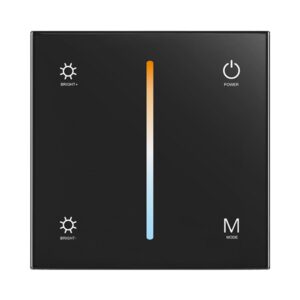
Arc LED Single Zone CCT 24V Touch Wall Panel
In StockProduct Code: ARC-T2-1- Colour Finish: Select Colour
- Input Voltage: 12-24V
- Colour Temperature: CCT
- Control Type: RF Only
£40.20(Tax Excl £33.50) -
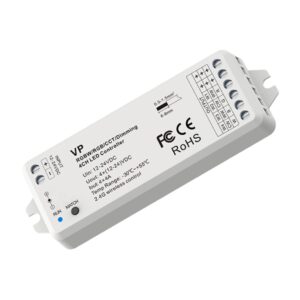
Arc LED 12-24V RGBW/RGB/CCT/Dimming 4 Channel LED RF Receiver (White)
32 in stockProduct Code: ARC-VP- Colour:White
- Input Voltage: 12-24V
- Colour Temperature: Single Colour/CCT/RGB(+W)
- Control Type: RF Only
£30.90(Tax Excl £25.75) -
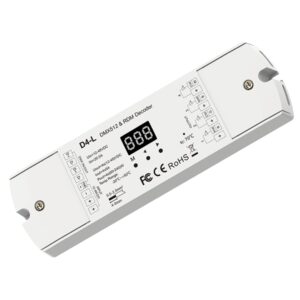
Arc LED 12-24VDC 4 Channel DMX Decoder (White)
14 in stockProduct Code: ARC-D4-L- Colour:White
- Input Voltage: 12-24V
- Colour Temperature: Universal
- Control Type: DMX
£39.60(Tax Excl £33.00) -
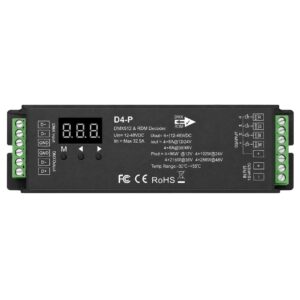
Arc LED 12-48VDC 4 Channel DMX Decoder (Black)
24 in stockProduct Code: ARC-D4-P- Colour:Black
- Input Voltage: 12-24V
- Colour Temperature: Universal
- Control Type: DMX
£43.50(Tax Excl £36.25) -
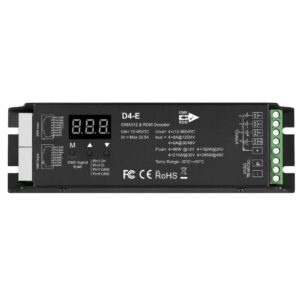
Arc LED 12-48VDC 4 Channel DMX Decoder (Black) RJ45 In/Out
36 in stockProduct Code: ARC-D4-E- Colour:Black
- Input Voltage: 12-24V
- Colour Temperature: Universal
- Control Type: DMX
£43.50(Tax Excl £36.25) -
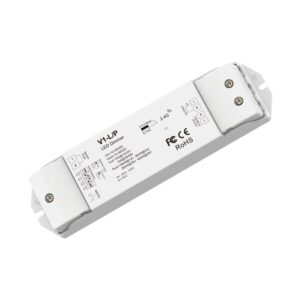
Arc LED 12-48VDC Single Colour 1 Channel Receiver With Push Dim Input
78 in stockProduct Code: ARC-V1-L/P- Colour:White
- Input Voltage: 12-24V
- Colour Temperature: Single Colour
- Control Type: RF Only
£36.90(Tax Excl £30.75) -
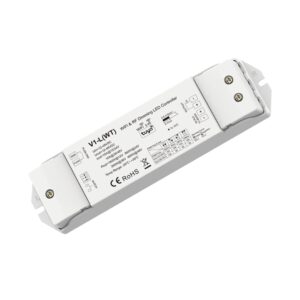
Arc LED 12-48VDC WiFi & RF CV Controller
161 in stockProduct Code: ARC-V1-L-WT- Colour:White
- Input Voltage: 12-48V
- Colour Temperature: Single Colour
- Control Type: RF, WIFI, Tuya
£36.90(Tax Excl £30.75) -
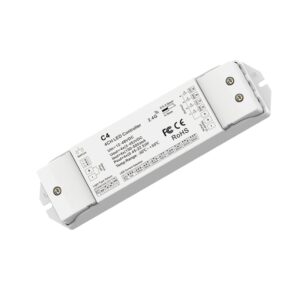
Arc LED 150-500mA Constant Current Controller With Push Dim Input
19 in stockProduct Code: ARC-C4-150-500MA- Colour:White
- Input Voltage: 150-500mA
- Colour Temperature: Single Colour/CCT/RGB(+W)
- Control Type: RF Only
£35.40(Tax Excl £29.50) -
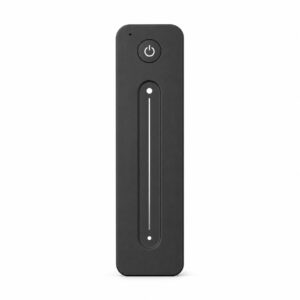
Arc LED Single Colour Remote Control (Black)
48 in stockProduct Code: ARC-R11- Colour:Black
- Input Voltage: Battery Operated
- Colour Temperature: Single Colour
- Control Type: RF Only
£25.80(Tax Excl £21.50) -
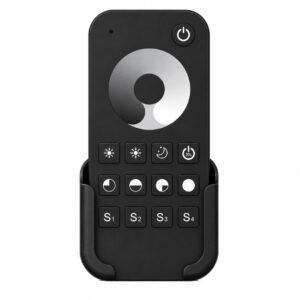
ArcLED Single Colour 1 Zone Remote Control (Black)
10 in stockProduct Code: ARC-RT1- Colour:Black
- Input Voltage: Battery Operated
- Colour Temperature: Single Colour
- Control Type: RF Only
£23.10(Tax Excl £19.25) -
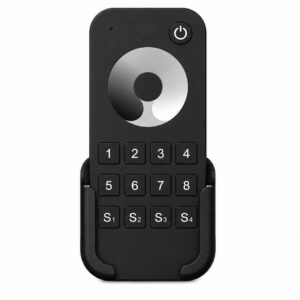
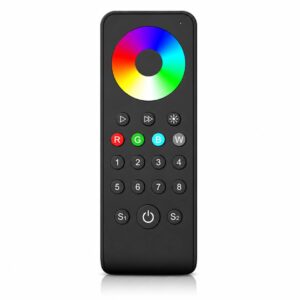
Arc LED Single Colour 8 Zone Remote Control (Black)
9 in stockProduct Code: ARC-RT8- Colour:Black
- Input Voltage: Battery Operated
- Colour Temperature: Single Colour
- Control Type: RF Only
£25.80(Tax Excl £21.50) -
Arc LED 2 Zone RGB/RGBW Remote Control
17 in stockProduct Code: ARC-RS3- Colour:Black
- Input Voltage: Battery Operated
- Colour Temperature: RGBW
- Control Type: RF Only
£25.80(Tax Excl £21.50) -
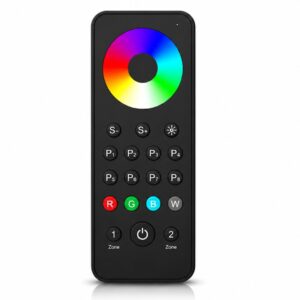
Arc LED RGBW 4 Zone Remote Control (Black)
57 in stockProduct Code: ARC-RT9- Colour:Black
- Input Voltage: Battery Operated
- Colour Temperature: RGBW
- Control Type: RF Only
£23.10(Tax Excl £19.25) -
Arc LED 8 Zone RGBW Remote (Black)
12 in stockProduct Code: ARC-RS8- Colour:Black
- Input Voltage: Battery Operated
- Colour Temperature: RGBW
- Control Type: RF Only
£29.70(Tax Excl £24.75)
What our customers think
RF & WiFi Controllers
To be able to remotely control your LED lights there are two key types of controllers you can install – an RF controller and a WiFi controller. Some modules and panels have capabilities for both types of controller while others are specifically for one. If you would like to be able to dim your lights and change the colours then a controller will help you achieve this. The controllers are often panels that can be placed in the room in order to change the lights. LED strip lights are very versatile in their capabilities as long as you select the correct product for your requirements. You are likely asking yourself how to choose the correct controller for your project; ArcLED are here to help advise you on whether RF controllers or WiFi controllers for LED lights are best for your project.
At ArcLED, we aim to ensure our services are suitable for DIY enthusiasts and professionals such as electricians. We can become your regular supplier or we can help you with a one-off project. We always recommend getting a professional to help you install your LED lights but our team at Arc LED can advise on the products for the job. Our team of experts will answer your customer service enquiries to help you choose the right products for your project. You will find everything you need to complete your light setup at Arc LED. With our fast shipping, you will be completing your project in no time. But first, let us answer that important question, ‘How to choose a controller for LED strip?’
With most products and stages of LED light installation there are three main points to consider:
- Are my products compatible with each other? E.g. if I want my lights to change colour, do all the products I have chosen have this capability?
- Can I control my lights in the most helpful way for my lifestyle? Keep reading to see our discussion on RF controllers vs WiFi controllers to help you decide.
- Will my system be set up safely with the products I have chosen? Check the specifications for your products such as the voltage to ensure they work for the system you have planned.
How do you control LED strips with remote?
To control your LED strips with a remote, you will need:
- A remote control
- A receiver
- A power supply
Correctly install these items with your LED strip lights to be completely in control of your lights. LED lights offer natural and bright lights at a low cost. These energy-efficient bulbs are cheap to run and long-lasting which is why so many people are switching from traditional bulbs to LEDs for their homes and businesses.
What is a RF Controller?
RF controller stands for radio frequency controller, describing the method of transmission and communication that this type of controller uses. The benefit of radio frequency is that it can work through walls and furniture, giving you more flexibility for where to place your controller without compromising on signal strength.
You can use RF controllers for LED strip installation in order to change the colour of your lights or dim them but make sure to choose an LED strip that has this function. To complete your bespoke project, use Arc LED’s made to measure service to have your LED strips cut to the measurements you provide.
How does a LED WiFi controller work?
As the name suggests, a WiFi controller sends signals using your WiFi to connect your device to your controller. You can download an app to your phone or tablet to connect to your LED WiFi controller which then allows you to adjust your lights via the app.
How do I connect my wireless remote to my LED lights?
To connect your wireless remote to your LED lights, you will need to install a receiver to the end of your LED light strips. We recommend hiring an electrician to complete this step of the process to ensure your receiver has been installed safely and is correctly linking up to the controller.
How do you connect LED lights to WiFi?
Make sure to install a WiFi controller to connect your LED lights to your WiFi. It may sound obvious but it is important to carefully check the capabilities of the products you would like to use. Once you have installed and tested your LED lights, you can then connect your controller to your smart device via an app. Follow the instructions in the app to pair your controller with your smartphone and you will be able to start adjusting your lights. This can include, but is not limited to, the colour and brightness. Some LED lights can be placed on a timer to turn on at certain times. With advances in LED light technology, there are many ways to control and customise your lights.
Can I use a different controller for LED lights?
You can change the controller for LED lights to a different type as long as you have checked the compatibility. The main specification to check is the voltage; it is important to make sure it matches so you don’t accidentally overload your system. You will also need to consider the type of controller you need e.g. the best WiFi or the best RF controllers for LED strip. Finally, make sure your LED strip can be used with a controller and has the capability you need such as dimming or changing colour.
How do I get my LED lights to respond to my remote?
If your LED lights have never responded to your remote, check that you have set up the receiver, remote and app correctly and that your lights work without the remote. This may help to identify any problems with your system. If your lights were previously working with a remote, try repairing the controller and the app.
If you would like further information about using your RF controller and WiFi controller, contact the team at Arc LED. Using a remote with your LED lights gives you the ultimate flexibility and versatility from your lights so you can create the ambience you need, whether you are getting work done during the day or relaxing with a movie in the evening.